
Universal Hardness Tester – DuraVision
從微觀到宏觀的多功能硬度測試
測試方法
- 維氏
- 努氏
- 布氏
- 洛氏
- 碳測試
- 球壓痕硬度:
測試荷重
- 0.3 - 250 kg
- 3 - 3,000 kg
版本
- 手輪操作版本
- 電動測試單元
- 全自動測試序列
- Lite版本不含電腦、顯示器、夾爪或轉塔
測試標準
- ISO 6506
- ISO 6507
- ISO 4545
- ASTM E384
- ASTM E92
- ASTM E10
- ISO 6508
總覽DuraVision宏觀硬度計
- DuraVision solves a wide variety of test tasks and is known for its efficiency in macro hardness testing applications.
- Even in harsh industrial environments, you can count on the reliable performance of this hardness tester, and always in accordance with currently applicable standards.
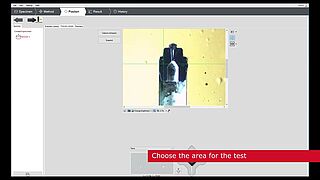
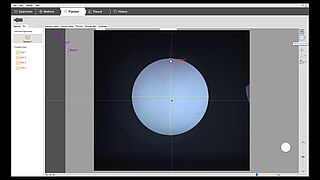
- The practical templates and comprehensive help features make macro hardness testing simple and easy to understand for any user. Precise hardness values are determined for different materials and component shapes. Test flat surfaces, tubes and pipes or spheres, whether made of steel, copper, aluminum or other materials.


影片:DuraVision宏觀硬度計應用範圍
不論是用於生產或實驗室
- 藉由其不同的型號,DuraVision 涵蓋了廣泛的應用範圍,並適合在手輪操作版本中執行廣泛的測試任務,具有電動尖錐進給或可作為全自動硬度計。
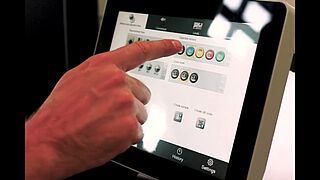
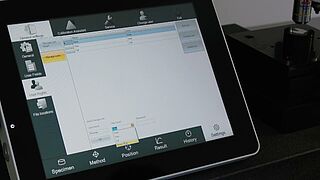
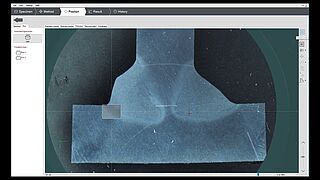
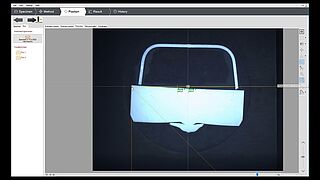
- 容易使用的硬度測試軟體支援操作人員進行單次測試以及複雜的測試任務。
依據當前標準進行硬度測試
- Our DuraVision series offers a wide load range from 0.3-250 kg or from 3-3,000 kg for test methods including Vickers, Brinell, Rockwell, Knoop, plastics testing and carbon testing. All methods are covered by standards ISO 6506 / ASTM E10 , ISO 6507 / ASTM E384, ASTM E92, ISO 45452, ISO 6508 / ASTM E18, DIN
51917 and ISO 2039. - 憑藉每種測試方法,您都能取得高度可靠的測試結果,並以最高的精度測試您的試樣。
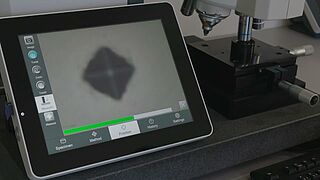
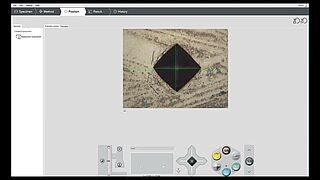
- 自動測試點評估及自動亮度控制,讓硬度測試比以往更高效且精確。
測試不同材料及形狀的硬度
- 不論是鋼、鋁、黃銅、鋅、金、陶瓷、碳或塑膠,只要使用合適的測試方法,我們的宏觀硬度計都能在任何環境中產生準確的測試結果。
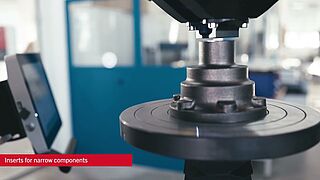
- 試樣直接放置或夾持在標準測試砧、特殊稜鏡、平面或球形測試砧或其他試樣固定裝置上。若為全自動的型號,針對嵌入式的試樣或基質,您也可使用試樣夾具。
硬度測試方法—合適測試方法的深度剖析
- Depending on the model, the hardness tester covers load ranges from 0.3-250 kg or 3-3,000 kg.
- 宏觀硬度計涵蓋適合您硬度測試應用的光學法及差分深度法,包括維氏、布氏、努氏或洛氏。
- 依據材料硬度及測試負載使用不同的鏡頭,並以高解析度顯示測試結果。可依據行業標準,將您的測試結果換算為其他硬度值。


DuraVision—可靠的結果及高投資回報
- Your investment in a DuraVision hardness tester significantly reduces the costs in your hardness testing processes. Fast and easy preparation of test tasks, the ability to store templates for recurring tests, and full automation of the test process reduce the operation time of hardness tests and save our customers time and money on a daily basis.
- 採用直覺化的測試軟體平台,無須花費任何時間即可熟悉程式並可靠地操作。
| 負載範圍 | 0.3 - 250 kg |
| 最大速度,Z 軸 | - |
| 材積 (寬x深x高) | 380 x 830 x 1400(mm) |
| 重量 | 420 kg |
| 操作 | External PC, not included |
| 最大測試高度 | 400 mm |
| Elektrischer Anschluss | 110 ...230 V(PH、N、PE) |
| 電源頻率 | 50/60 Hz |
| 功率消耗 | 120/50 W |
| 測試台(W x D) | Ø 90 mm |
| 評估攝影機解析度 | 12 Mpix 搭載 CMOS 感測器 |
| 常溫(符合 ISO/ASTM) | +5°C 至 +40°C |
| 濕度 | 最大 70%(非冷凝) |
| 操作系統 | Windows 11 |
| 最大工件重量 | 200 kg |
| 防護等級符合 EN 60529 | IP20 |
| 負載範圍 | 3 - 3,000 kg |
| 最大速度,Z 軸 | - |
| 材積 (寬x深x高) | 380 x 830 x 1400(mm) |
| 重量 | 420 kg |
| 操作 | External PC, not included |
| 最大測試高度 | 400 mm |
| Elektrischer Anschluss | 110 ...230 V(PH、N、PE) |
| 電源頻率 | 50/60 Hz |
| 功率消耗 | 120/50 W |
| 測試台(W x D) | Ø 90 mm |
| 評估攝影機解析度 | 12 Mpix 搭載 CMOS 感測器 |
| 常溫(符合 ISO/ASTM) | +5°C 至 +40°C |
| 濕度 | 最大 70%(非冷凝) |
| 操作系統 | Windows 11 |
| 最大工件重量 | 200 kg |
| 防護等級符合 EN 60529 | IP20 |
| 負載範圍 | 0.3 - 250 kg |
| 最大速度,Z 軸 | - |
| 材積 (寬x深x高) | 380 x 830 x 1400(mm) |
| 重量 | 420 kg |
| 操作 | 10吋觸控顯示器 |
| 最大測試高度 | 400 mm |
| Elektrischer Anschluss | 110 ...230 V(PH、N、PE) |
| 電源頻率 | 50/60 Hz |
| 功率消耗 | 120 W |
| 測試台(W x D) | Ø 90 mm |
| 評估攝影機解析度 | 12 Mpix 搭載 CMOS 感測器 |
| 常溫(符合 ISO/ASTM) | +5°C 至 +40°C |
| 濕度 | 最大 70%(非冷凝) |
| 操作系統 | Windows 11 |
| 最大工件重量 | 200 kg |
| 防護等級符合 EN 60529 | IP20 |
| 負載範圍 | 3 - 3,000 kg |
| 最大速度,Z 軸 | - |
| 材積 (寬x深x高) | 380 x 830 x 1400(mm) |
| 重量 | 420 kg |
| 操作 | 10吋觸控顯示器 |
| 最大測試高度 | 400 mm |
| Elektrischer Anschluss | 110 ...230 V(PH、N、PE) |
| 電源頻率 | 50/60 Hz |
| 功率消耗 | 120/50 W |
| 測試台(W x D) | Ø 90 mm |
| 評估攝影機解析度 | 12 Mpix 搭載 CMOS 感測器 |
| 常溫(符合 ISO/ASTM) | +5°C 至 +40°C |
| 濕度 | 最大 70%(非冷凝) |
| 操作系統 | Windows 11 |
| 最大工件重量 | 200 kg |
| 防護等級符合 EN 60529 | IP20 |
| 負載範圍 | 0.3 - 250 kg |
| 最大速度,Z 軸 | - |
| 材積 (寬x深x高) | 380 x 830 x 1400(mm) |
| 重量 | 420 kg |
| 操作 | 10吋觸控顯示器 |
| 最大測試高度 | 500 mm |
| Elektrischer Anschluss | 110 ...230 V(PH、N、PE) |
| 電源頻率 | 50/60 Hz |
| 功率消耗 | 120/50 W |
| 測試台(W x D) | Ø 90 mm + 447x370mm |
| 評估攝影機解析度 | 12 Mpix 搭載 CMOS 感測器 |
| 常溫(符合 ISO/ASTM) | +5°C 至 +40°C |
| 濕度 | 最大 70%(非冷凝) |
| 操作系統 | Windows 11 |
| 最大工件重量 | 500 kg |
| 防護等級符合 EN 60529 | IP20 |
| 負載範圍 | 3 - 3000 kg |
| 最大速度,Z 軸 | - |
| 材積 (寬x深x高) | 380 x 830 x 1400(mm) |
| 重量 | 420 kg |
| 操作 | 10吋觸控顯示器 |
| 最大測試高度 | 500 mm |
| Elektrischer Anschluss | 110 ...230 V(PH、N、PE) |
| 電源頻率 | 50/60 Hz |
| 功率消耗 | 120/50 W |
| 測試台(W x D) | Ø 90 mm + 447x370mm |
| 評估攝影機解析度 | 12 Mpix 搭載 CMOS 感測器 |
| 常溫(符合 ISO/ASTM) | +5°C 至 +40°C |
| 濕度 | 最大 70%(非冷凝) |
| 操作系統 | Windows 11 |
| 最大工件重量 | 500 kg |
| 防護等級符合 EN 60529 | IP20 |
| 負載範圍 | 0.3 - 250 kg |
| 最大速度,Z 軸 | 25 mm/s |
| 定位準確度 | ± 0.025 mm |
| 操作 | External PC with monitor, not included |
| 材積 (寬x深x高) | 900 x 1050 x 1400(mm) |
| 重量 | 500 kg |
| 最大測試高度 | 380 mm |
| Elektrischer Anschluss | 110 ...230 V(PH、N、PE) |
| 電源頻率 | 50/60 Hz |
| 功率消耗 | 120/50 W |
| 測試台(W x D) | 440 x 250 mm |
| 評估攝影機解析度 | 12 Mpix 搭載 CMOS 感測器 |
| 常溫(符合 ISO/ASTM) | +5°C 至 +40°C |
| 濕度 | 最大 70%(非冷凝) |
| 操作系統 | Windows 11 |
| 最大工件重量 | 50 kg |
| 防護等級符合 EN 60529 | IP20 |
| 負載範圍 | 3 - 3000 kg |
| 最大速度,Z 軸 | 25 mm/s |
| 定位準確度 | ± 0.025 mm |
| 操作 | External PC with monitor, not included |
| 材積 (寬x深x高) | 900 x 1050 x 1400(mm) |
| 重量 | 500 kg |
| 最大測試高度 | 380 mm |
| Elektrischer Anschluss | 110 ...230 V(PH、N、PE) |
| 電源頻率 | 50/60 Hz |
| 功率消耗 | 120/50 W |
| 測試台(W x D) | 440 x 250 mm |
| 評估攝影機解析度 | 12 Mpix 搭載 CMOS 感測器 |
| 常溫(符合 ISO/ASTM) | +5°C 至 +40°C |
| 濕度 | 最大 70%(非冷凝) |
| 操作系統 | Windows 11 |
| 最大工件重量 | 50 kg |
| 防護等級符合 EN 60529 | IP20 |

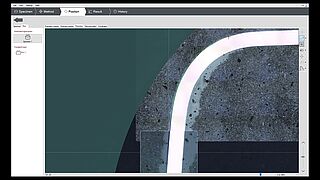
Accessories for DuraVision universal hardness tester
When looking at the hardness tester in detail, you will clearly see the many hidden benefits resulting from our many years of development. DuraVision is now in its fifth generation and
includes many improvements that are based on the feedback we received from our customers throughout the last several decades. Today, we continue using the latest technology on our machines to maintain
our position as pioneer in the hardness tester market.
配件圖片集
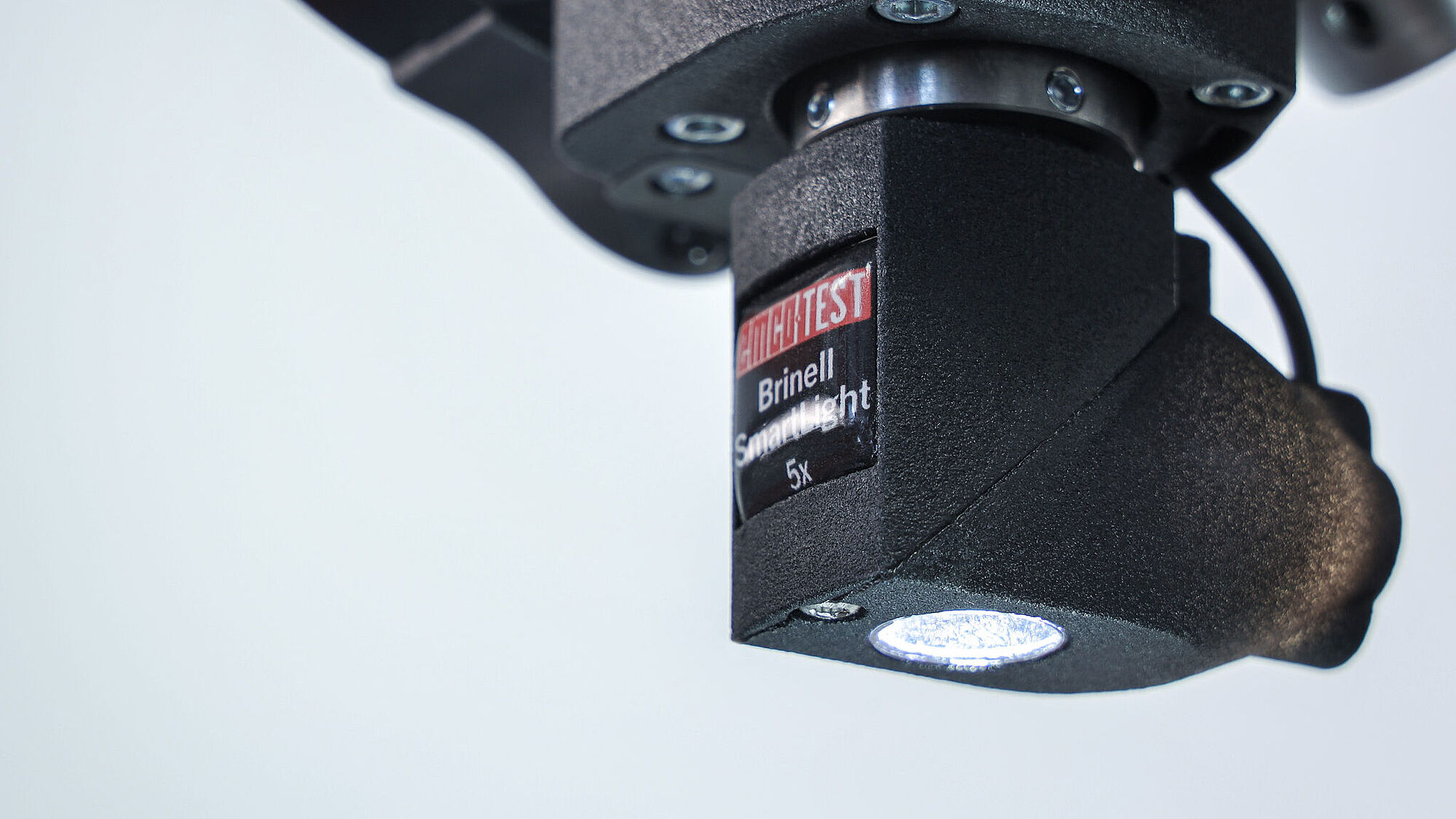
Brinell SmartLight
以便更高效地評估布氏壓痕。
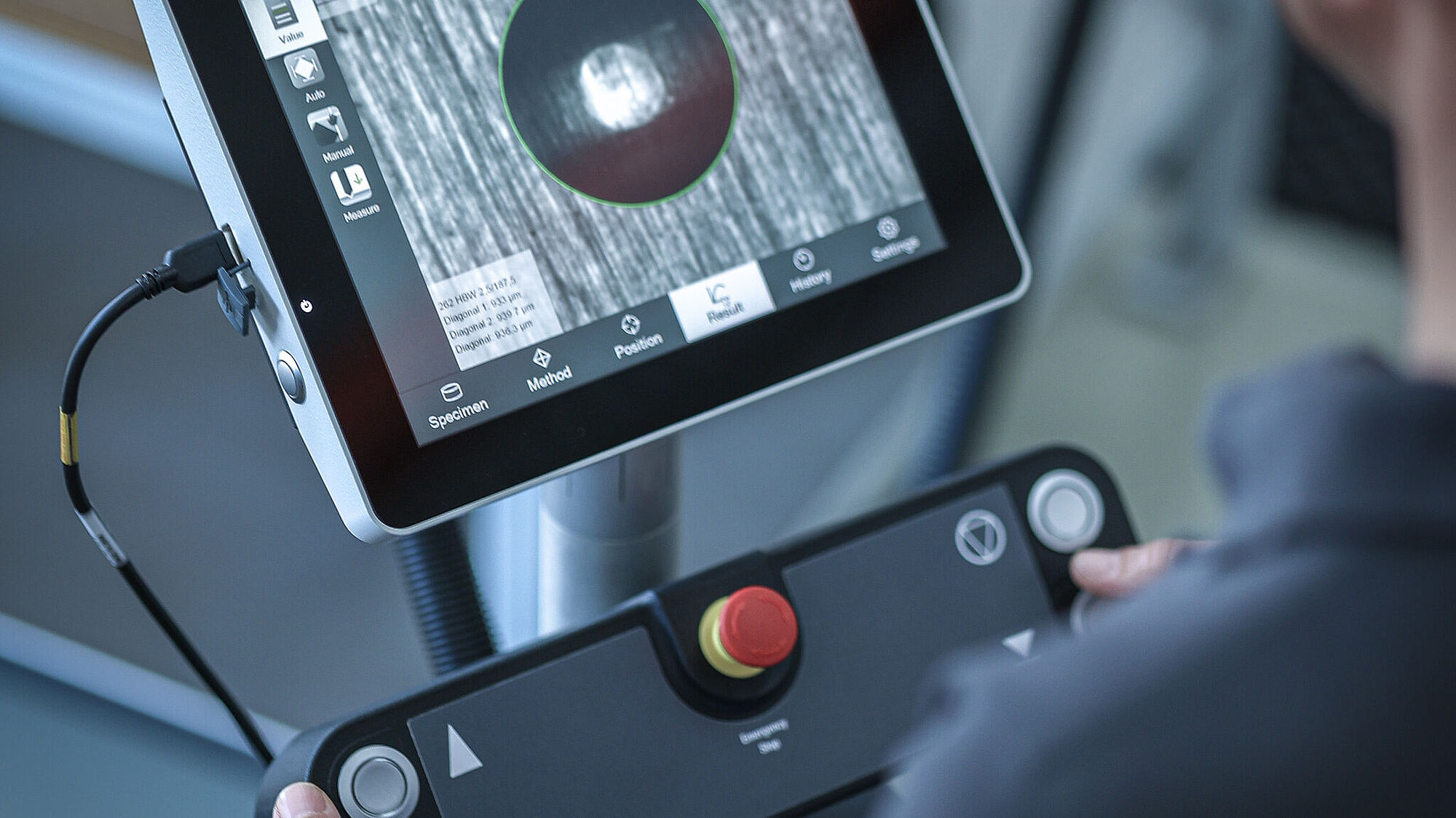
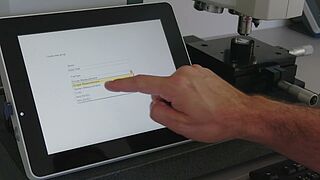
外部操作單元
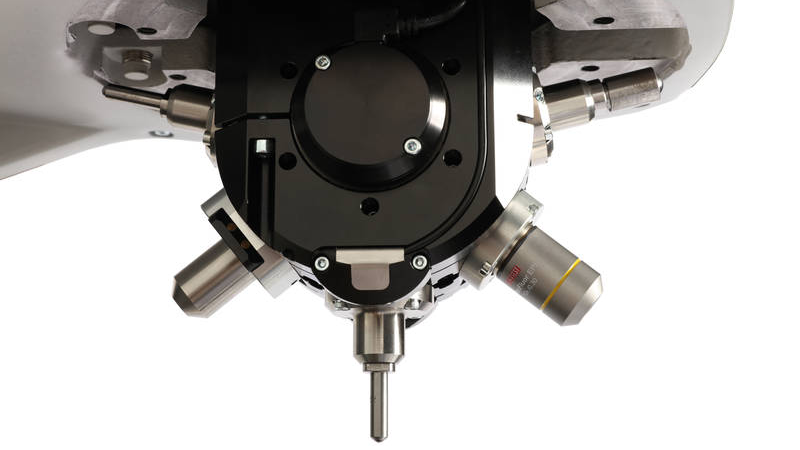
Indenter, Rockwell, Vickers, Brinell
適用於不同測試方法的合適壓頭。
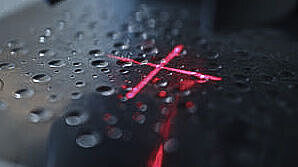
Positioning laser
雷射用於輕鬆進行元件定位
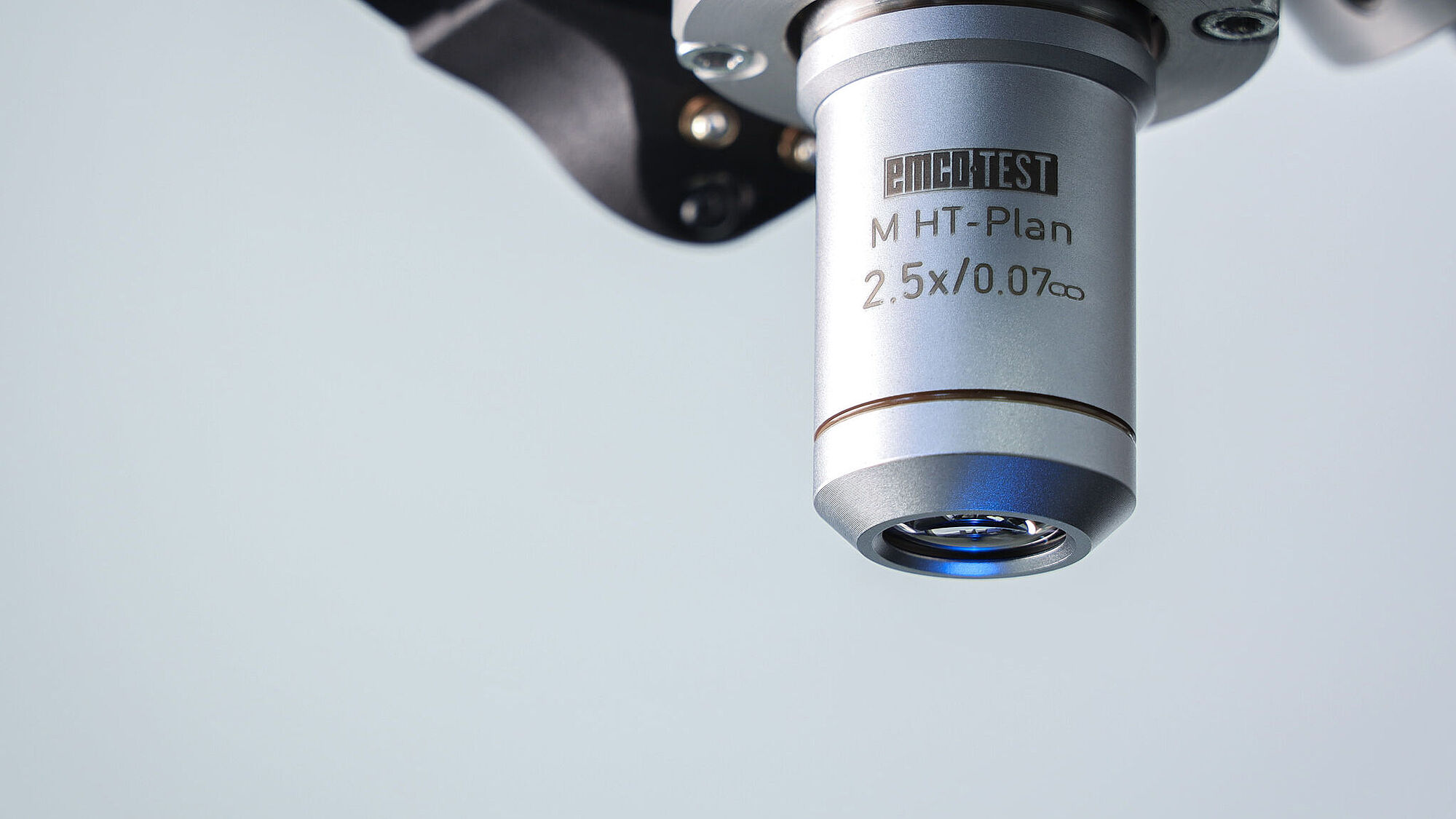
透鏡
各種鏡頭實現測試壓痕的最佳放大倍率。
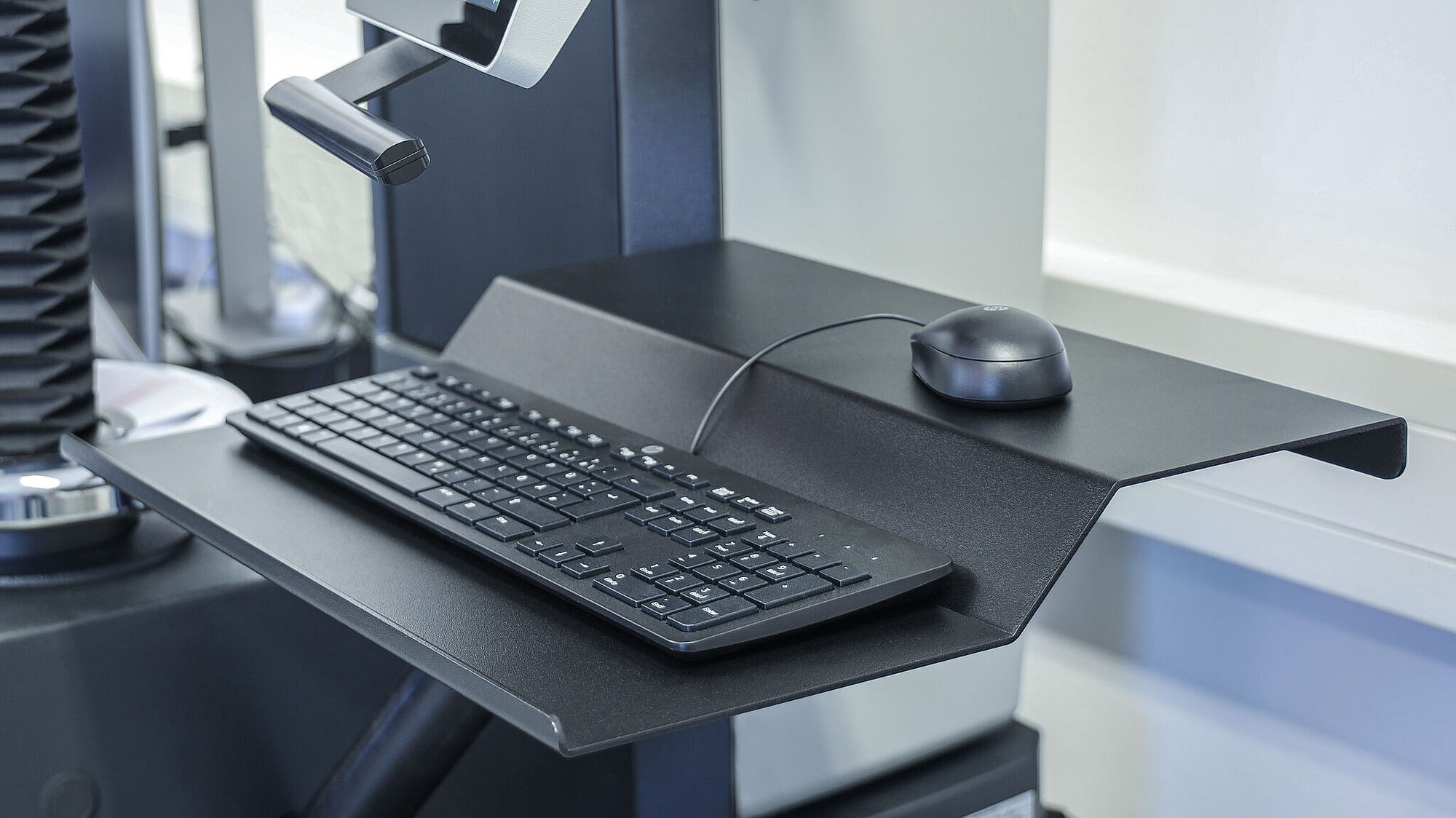
鍵盤支架
以便更輕鬆地輸入。

